 Kavcom Expert
How Fast Should a Business Website Load in 2026?

Quick answer
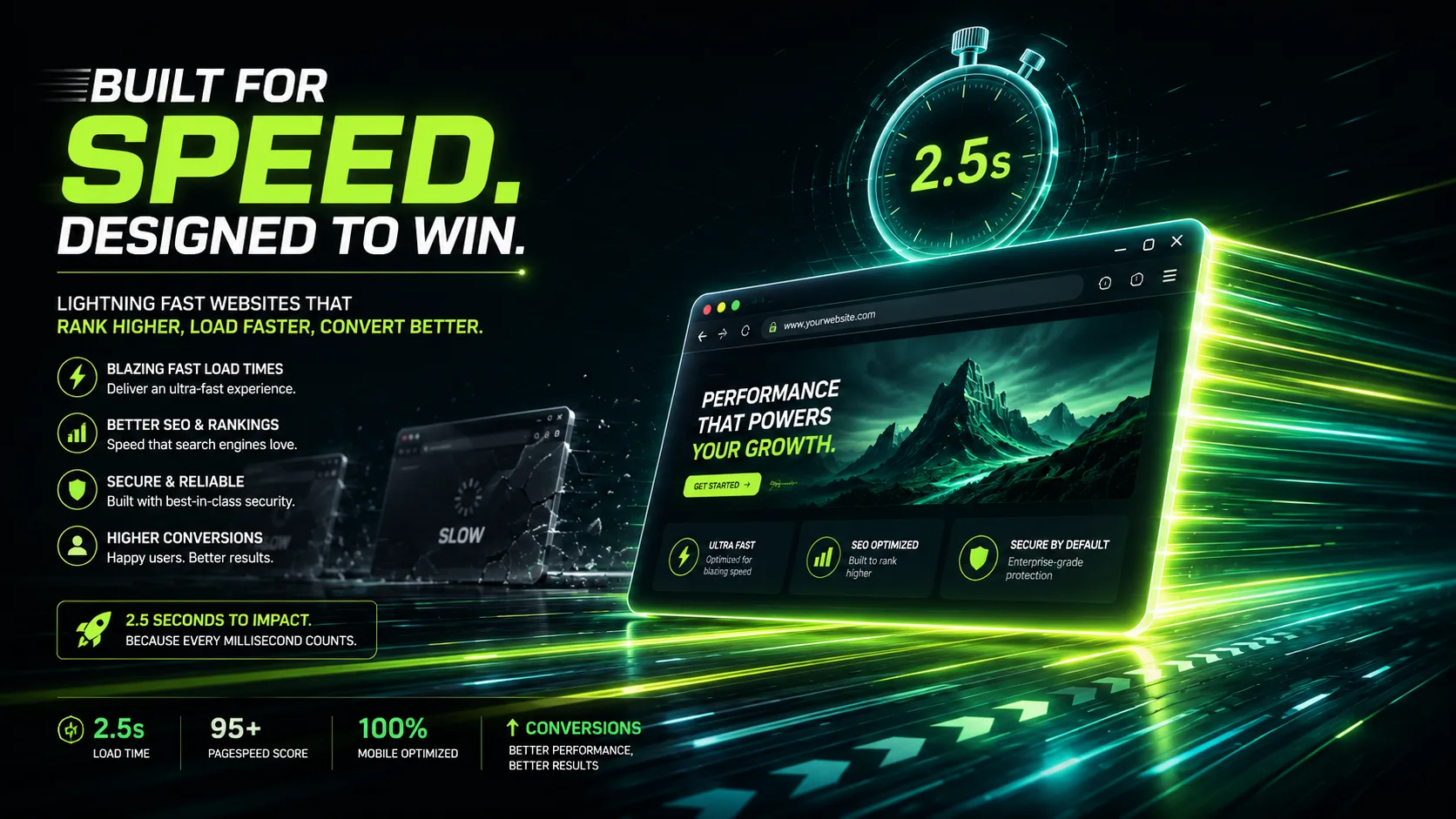
In 2026, a business website should load its main content in under 2.5 seconds to pass Google's Core Web Vitals, with under 2 seconds on mobile as the competitive target. Speed is measured from real visitors, not lab tests, across three metrics: LCP (loading), INP (responsiveness), and CLS (visual stability). Only about 56% of websites pass all three, so a fast site is a genuine ranking and conversion advantage. Slow sites lose over half their mobile visitors before the page even appears, convert 7% worse per second of delay, and get cited less by AI search engines like ChatGPT and Perplexity.
Key takeaways
- Google's 2026 passing thresholds are LCP under 2.5 seconds, INP under 200 milliseconds, and CLS under 0.1, and your site must pass all three at once.
- Competitive business sites should target under 2 seconds LCP on mobile, since mobile trails desktop and that is where most prospects find you.
- Around 53% of mobile visitors abandon pages that take longer than 3 seconds, and each extra second of load time cuts conversions by roughly 7%.
- The most common speed killers are uncompressed hero images, cheap hosting, plugin and script bloat, and missing caching or CDN.
Your business website should load its main content in under 2.5 seconds. That is Google's official "Good" threshold for Largest Contentful Paint in 2026. But if you want to compete rather than just pass, aim for under 2 seconds on mobile. Every second beyond that is quietly costing you leads, rankings, and revenue.
Now here is the longer answer, because "load time" in 2026 means something very different than it did five years ago.
Speed Is No Longer One Number
Ask ten business owners how fast their site loads and most will quote a single number from some speed test they ran once. The problem is that Google stopped thinking about speed as one number years ago. In 2026, your site is judged on three separate metrics, together called Core Web Vitals, and it has to pass all three at once.
Largest Contentful Paint (LCP) measures how long it takes for the biggest visible element on your page, usually a hero image or headline, to fully appear. Good is 2.5 seconds or less. Anything over 4 seconds is officially rated Poor.
Interaction to Next Paint (INP) measures how quickly your site responds when someone clicks, taps, or types. Good is 200 milliseconds or less. This metric replaced the old First Input Delay in March 2024, and it is a much harder bar to clear because it tracks every interaction across the whole visit, not just the first one.
Cumulative Layout Shift (CLS) measures visual stability. If your page jumps around while loading and a visitor accidentally clicks the wrong button, your CLS score suffers. Good is under 0.1.
Here is the part most businesses miss: these numbers are not from a lab test. Google measures them from real visitors using Chrome, at the 75th percentile, over a rolling 28-day window. That means your site has to be fast for real people on mid-range phones with average connections, not just for you on your office WiFi.
How Does Your Site Compare in 2026?
The honest benchmark: only around 56 percent of all websites currently pass all three Core Web Vitals. Mobile performance trails desktop by roughly 8 percentage points, which matters because most of your prospects are finding you on their phones.
Where do sites fail? LCP is the most common culprit on the loading side, driven by heavy hero images, slow hosting, and bloated themes. On mobile, INP failures are widespread too, usually caused by excessive JavaScript from plugins, chat widgets, and tracking scripts stacked on top of each other.
So if your site loads its main content in under 2 seconds, responds instantly to taps, and does not shift around while loading, you are already ahead of nearly half the internet. That is a genuine competitive advantage, not a technical vanity metric.
What Slow Speed Actually Costs a Business
Let us translate this into money, because that is the only language that justifies fixing it.
Lost visitors before they even see your offer. Around 53 percent of mobile users abandon a page that takes longer than 3 seconds to load. They do not bounce because they dislike your services. They bounce because they never saw them.
Lower conversion on the visitors who stay. Research consistently shows a 1-second delay in load time cuts conversions by roughly 7 percent. Pages that load in 1 second convert at nearly triple the rate of pages that load in 5 seconds. For a business generating 50 enquiries a month from its website, a single second of extra load time can mean losing several potential clients every month without changing anything else about your marketing.
Weaker search rankings. Core Web Vitals are a confirmed Google ranking signal. Speed will not rescue thin content, but when two sites have comparable content, the faster one wins. Slow sites also get crawled less efficiently, which delays how quickly your new pages and updates get indexed.
Reduced AI search visibility. This is the 2026-specific factor. AI answer engines like ChatGPT, Perplexity, and Google's AI Overviews crawl and cite websites when generating answers. Slow, heavy pages are harder to crawl and less likely to be fetched and referenced. If your growth plan includes showing up in AI-generated answers, and in 2026 it should, page speed is part of your GEO foundation, not a separate technical chore.
The Real-World Speed Targets for 2026
Here is the practical benchmark table we use when auditing client sites:
Metric | Passing (Google) | Competitive Target | Poor |
|---|---|---|---|
LCP (main content visible) | ≤ 2.5s | ≤ 2.0s | > 4.0s |
INP (responsiveness) | ≤ 200ms | ≤ 150ms | > 500ms |
CLS (visual stability) | ≤ 0.1 | ≤ 0.05 | > 0.25 |
TTFB (server response) | ≤ 800ms | ≤ 200ms | > 1.8s |
One caution: you may see claims floating around that Google tightened the LCP threshold to 2.0 seconds in 2026. As of this writing, Google's official documentation still lists 2.5 seconds as the Good threshold. Treat 2.0 seconds as a smart competitive target, not the official pass line.
Why Most Business Websites Are Slow
After auditing hundreds of small business, CPA firm, and real estate websites, the same problems appear over and over:
Uncompressed images. A 4MB hero photo straight off a phone camera is the single most common LCP killer. Images should be compressed, properly sized, and served in modern formats like WebP or AVIF.
Cheap shared hosting. If your server takes over a second just to respond (TTFB), no amount of front-end optimization saves you. Slow hosting puts a floor under your load time that nothing else can break through.
Plugin and script bloat. Every chat widget, popup tool, heat map, and tracking pixel adds JavaScript. Individually they seem harmless. Stacked together, they destroy your INP score and make the site feel sluggish on mobile.
No caching or CDN. Without caching, your server rebuilds every page from scratch for every visitor. Without a CDN, a visitor in Texas is pulling files from a server in another continent.
Themes built for demos, not performance. Many popular WordPress themes load every animation library and font they own on every page, whether the page uses them or not.
How to Check Your Own Site Right Now
You do not need to guess. Run these three free checks this week:
PageSpeed Insights (pagespeed.web.dev). Enter your homepage URL and look at the field data section at the top. That is what real visitors experience. Check your top service pages too, not just the homepage.
Google Search Console. Open the Core Web Vitals report to see which pages sitewide are rated Poor or Needs Improvement.
Your own phone, on mobile data. Turn off WiFi and load your site the way a prospect would. If it feels slow, it is slow.
If your LCP is above 2.5 seconds or your pages are flagged in Search Console, prioritize fixes in this order: compress and preload your hero image, upgrade or tune your hosting, remove or defer non-essential scripts, and add proper caching and a CDN.
In 2026, website speed is a revenue metric wearing a technical disguise. The businesses treating it that way, auditing quarterly, fixing LCP first, and keeping scripts on a leash, are converting visitors their slower competitors paid to attract and then lost in the first three seconds.
If you are not sure where your site stands, start with a proper audit. Knowing your real numbers is the difference between guessing and growing.
Frequently asked questions
What is a good website load time in 2026?
Main content should appear within 2.5 seconds to meet Google's Core Web Vitals "Good" threshold. Competitive business websites target under 2 seconds on mobile, where most visitors are.
Does website speed really affect Google rankings?
Yes. Core Web Vitals are a confirmed Google ranking factor. Speed will not outrank better content, but between two comparable pages, the faster one wins, and slow sites also lose crawl efficiency.
Is 3 seconds too slow for a business website in 2026?
Yes. A 3-second load falls into Google's "Needs Improvement" range, and over half of mobile visitors abandon pages that take longer than 3 seconds to load.
What are Core Web Vitals?
Three metrics Google uses to measure real user experience: Largest Contentful Paint (loading speed, under 2.5s), Interaction to Next Paint (responsiveness, under 200ms), and Cumulative Layout Shift (visual stability, under 0.1). A page must pass all three.
How do I test my website speed accurately?
Use PageSpeed Insights and focus on the field data at the top, which comes from real visitors, not the lab score. Also check the Core Web Vitals report in Google Search Console for sitewide issues.
Why is my WordPress website slow?
The usual causes are uncompressed images, cheap shared hosting with slow server response times, too many plugins loading JavaScript on every page, and no caching or CDN. Most WordPress speed problems trace back to these four.
Does page speed matter for AI search like ChatGPT and Perplexity?
Yes. AI answer engines crawl and cite fast, easily accessible pages more reliably. In 2026, page speed is part of generative engine optimization (GEO), not just traditional SEO.
How much does a slow website cost my business?
A 1-second delay reduces conversions by roughly 7%, and pages loading in 1 second convert at nearly triple the rate of 5-second pages. For a site generating 50 monthly enquiries, one extra second can mean several lost clients every month.